
Company Profiles
Your company profile is your public page in the PortzApp directory. It tells buyers who you are, what you offer, where you cover, and how to reach you, and it is where inbound quote requests begin.
FOR BUYERS & PROVIDERS
Every organization has a profile, and what goes on it depends on what you do. Providers publish services and port coverage; vessel owners, charterers, and ship managers publish a fleet. You can build it at any time, but publishing requires company verification.
Key takeaways
- Setup runs in three steps, and the middle one changes depending on what your organization does.
- Draft profiles stay private to your workspace. Nothing is public until you publish.
- Edits to a published profile wait as pending changes until you publish them.
- The Company at a glance card counts your services, ports, branches, and countries automatically.
Where to find it
Select My Company Profile under Network in the sidebar.
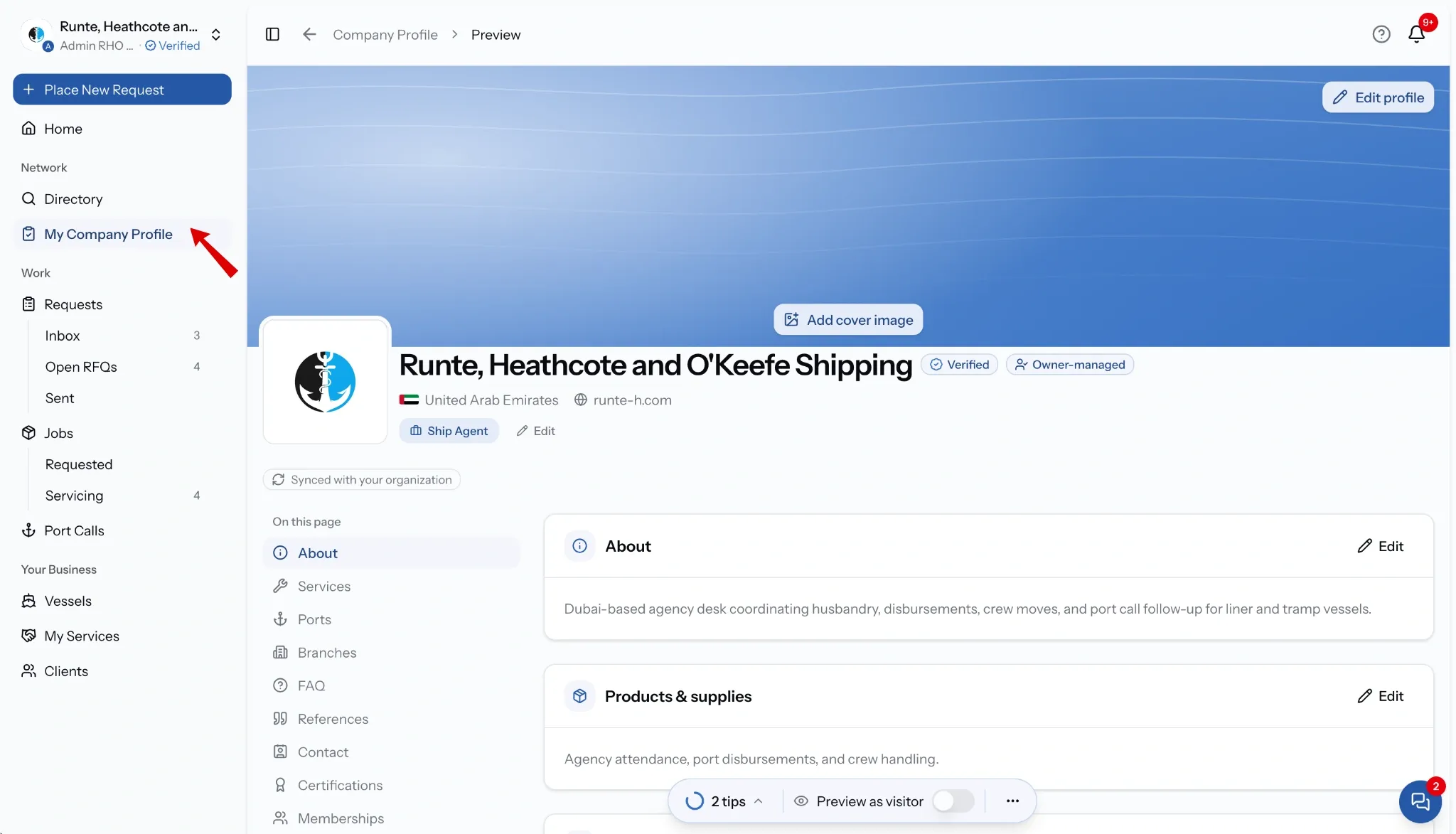
Setting up the essentials
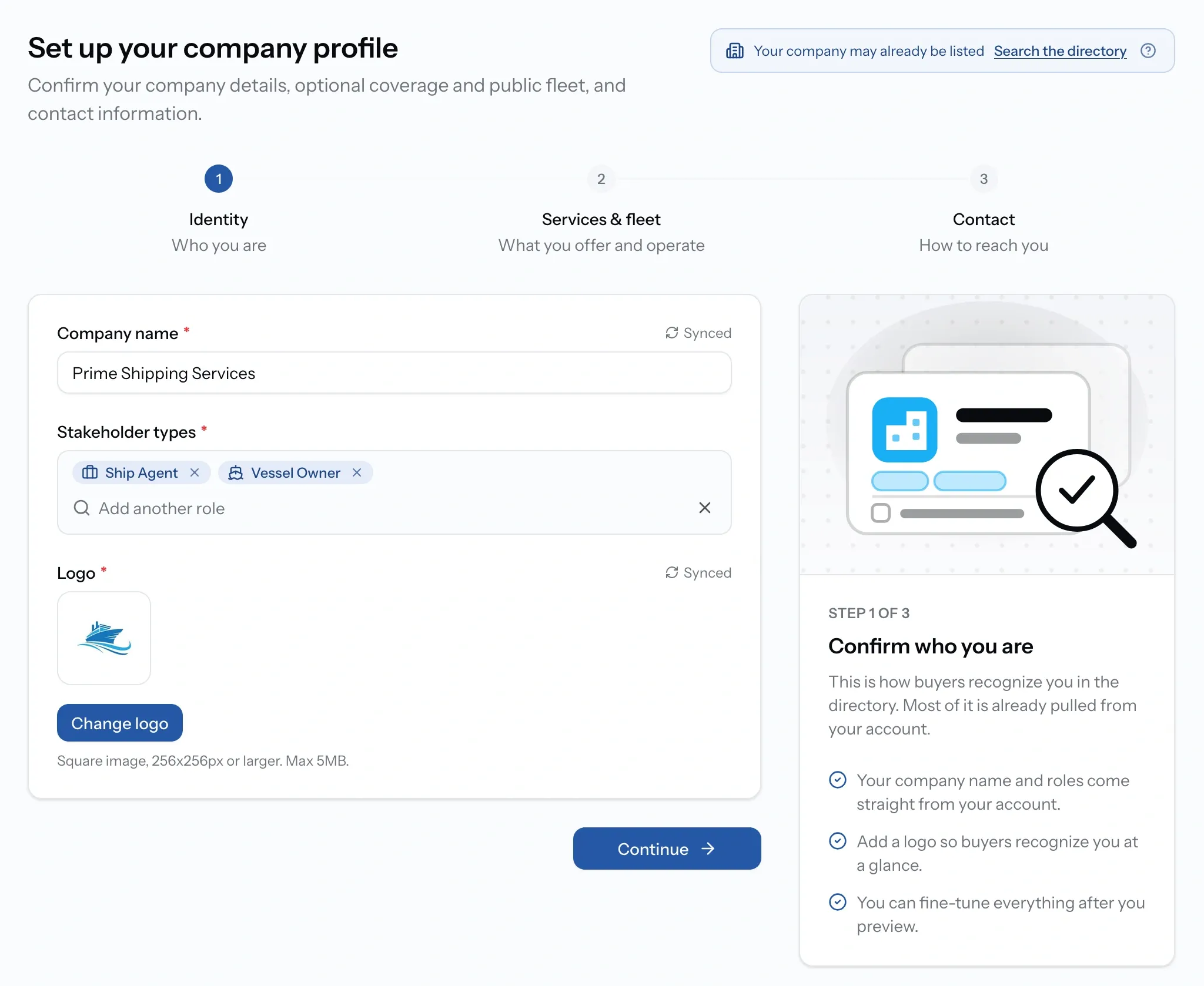
Step one, Identity. Your company name, stakeholder types, and logo.
Step two depends on what your organization does, and is optional either way.
Step three, Contact. The details others see on your public page.
Before you start, check the "Your company may already be listed" prompt at the top. If PortzApp already has a page for your company, claiming it is faster than building a new one and keeps its history.
What step two asks for
If you offer services
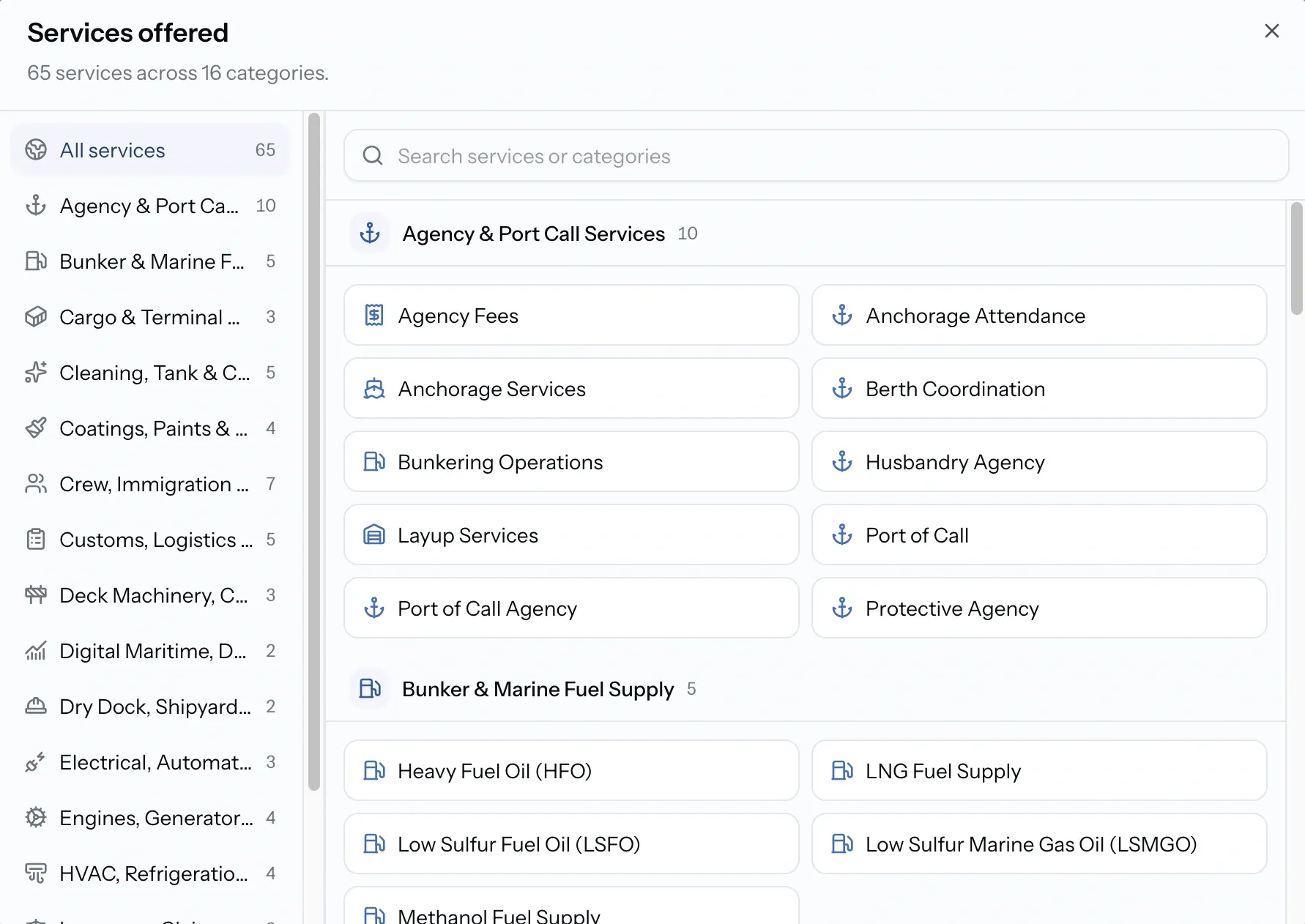
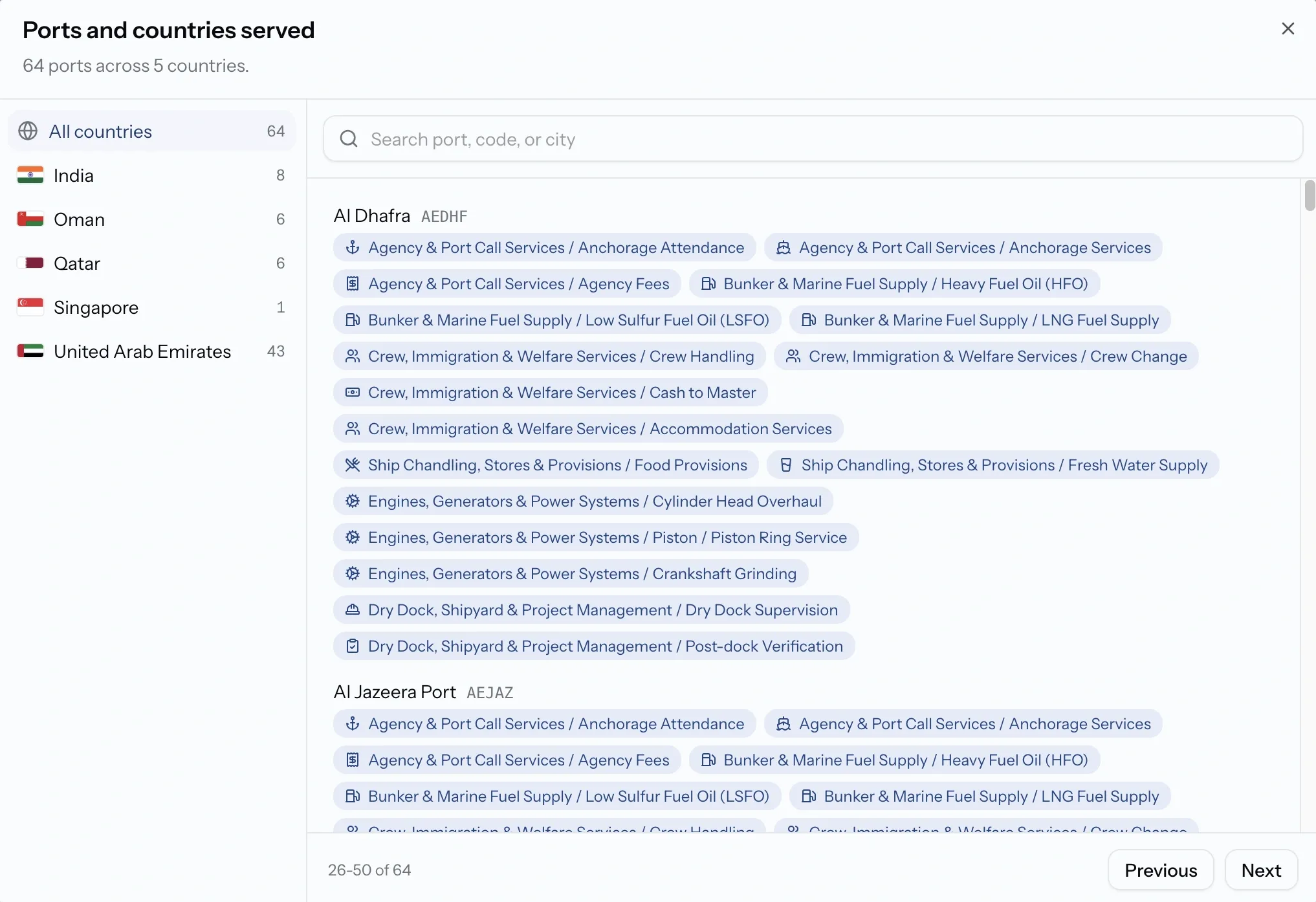
Coverage decides whether buyers find you. Your services and the ports they reach are what put you in filtered searches, so a service with no ports reaches nobody and shows as 0 ports on your directory card.
Both cards on your public page open into a fuller view. Services offered lists everything you provide, grouped by category and searchable.
Ports and countries served lists every port with its code and shows which of your services are available there. Coverage is public in that much detail, so port availability that is out of date reads as a gap.
If you operate vessels
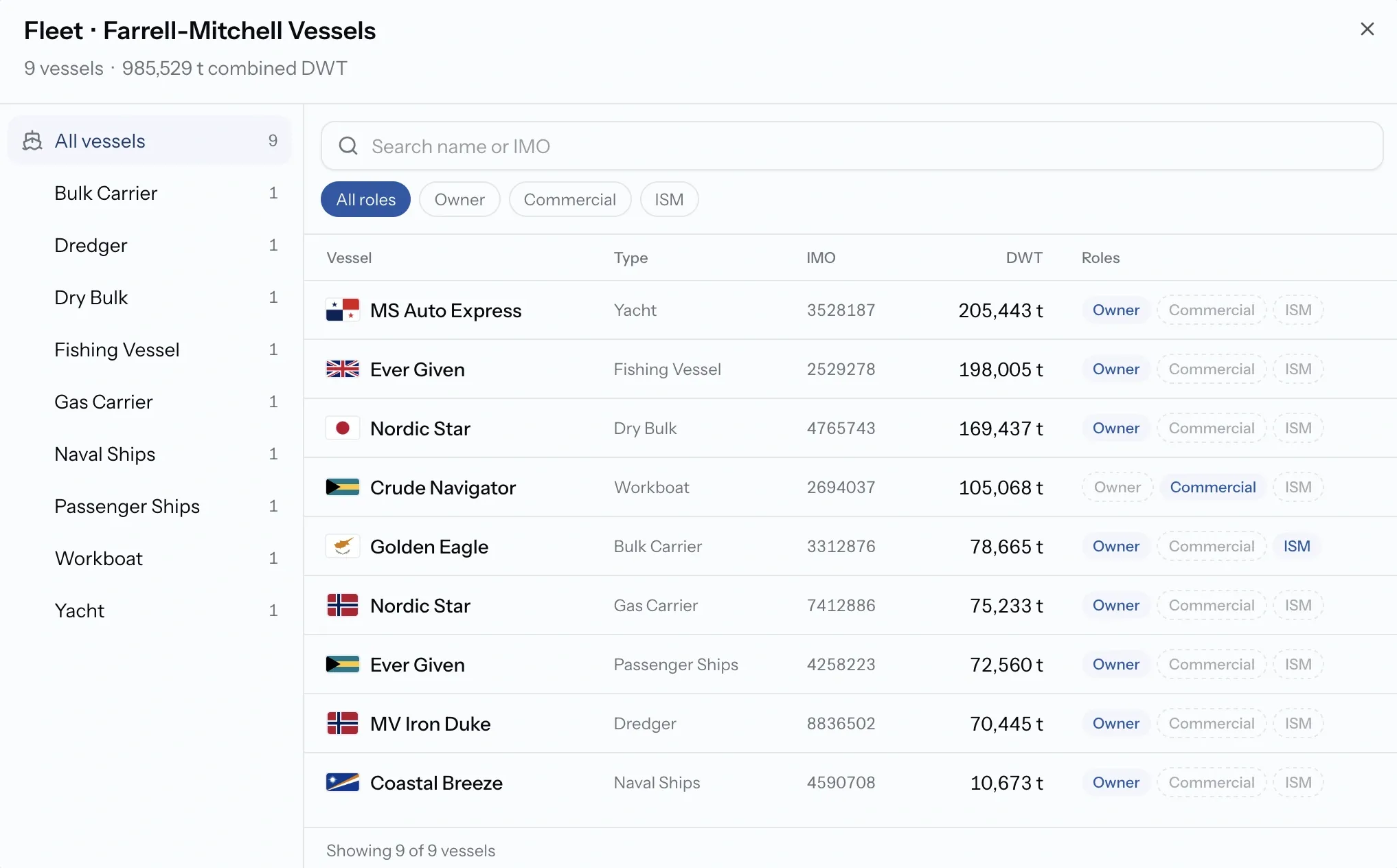
Vessel owners, charterers, and ship managers publish a fleet instead of a service catalogue. It tells providers what you run before they quote, which saves a round of questions about tonnage and vessel type.
Your published fleet is separate from your vessel records under Vessels. Those stay private, and a provider sees a vessel's full detail only when you share it on a job.
Preview, publish, and edit
- Preview shows your page as a buyer sees it, so you can check it before anyone else does.
- Publishing puts it in the directory.
- Any edit is held as a pending change and the live page stays as it was until you publish the changes, which means you can rework a section without a half-finished version being visible.
- Unpublish removes the listing from the directory without deleting anything.
Common issues
My company is not in the directory
The profile is still a draft, or it was unpublished. Publish it from My Company Profile.
The Publish button is unavailable
Publishing requires company verification. Prepare the profile now and publish once your company is approved.
My recent edits are not visible
Edits to a published profile wait as pending changes. Publish the changes to make them live.